
You get ALL of these products:

Cinematic Drone Secrets
Fly Cinematically


$
97.00
Included in the bundle!
Cinematic Drone Secrets
Drone Pro Academy
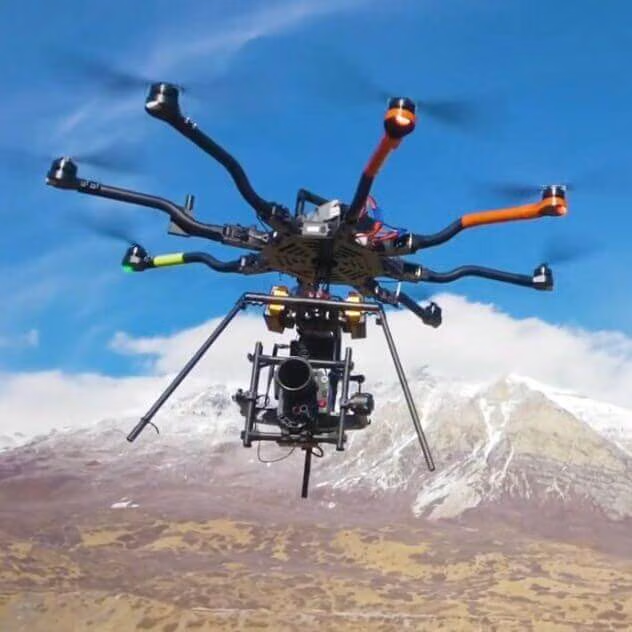
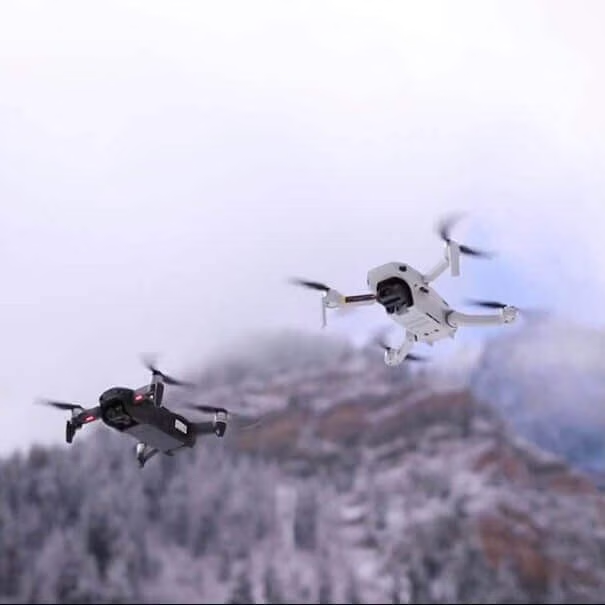
Cinematic Drone Secrets is a complete course for the drone pilot who wants to master cinematic drone shots.


WHAT DO YOU GET?
MODULE 1 | NAVIGATING THE FAA CRASH COURSE
Learn drone safety, how to register your drone and get permission to fly in Airspace.
- Introduction to Drones / Safety
- How to Register Your Drone With the FAA
- How to Get Permission to Fly in Airport Airspace
MODULE 2 | GETTING STARTED WITH YOUR DRONE BOOTCAMP
Discover the same techniques that Chris Newman personally used to become an expert drone pilot.
- Beginner Drone Options, Setup, and Operation
- How to Fly - Flight Training and Drills
- How to use the DJI Flight Simulator
- Tips for flying in Wind
MODULE 3 | PRO DRONE SECRET SAUCE SETTINGS WORKSHOP
Discover Chris' top-secret settings to dial in the best image and cinematic movement from your drone.
General Best Camera Settings Explained
(MAVIC MINI) APP Best Menu / CAMERA SETTINGS
(DJI GO 4) - Best Camera and App Settings (Quick Start)
"Secret Sauce" Smooth Camera / Gimbal Settings
Intelligent Flight Modes Explained
How to set CORRECT Exposure - Daylight and Lowlight
WHY and WHEN to USE ND & Polarizer Filters
Top 12 APPS to Use With Your Drone
MODULE 4 | CINEMATIC FOUNDATION MASTERCLASS
Discover the essentials of what you need to achieve epic cinematic drone shots.
Drone Composition / Framing Master Class
The Effects of Aperture, Shutter Speed and ISO
How to Maximize each flight with Proper Drone Shot Coverage
Choosing the Proper Drone Focal Length
How to Know the Best Time of Day to Film
How to Fully Utilize Point of Interest Mode
How to Setup and Execute an Automatic Drone-Lapse
How to create a Manual Drone-Lapse
MODULE 5 | CINEMATIC DRONE SHOT SECRET FRAMEWORK
Join Chris Newman behind the scenes as he takes a deep dive into the specific framework each of his cinematic shots that you can easily recreate and make your own.
How to Achieve Cinematic Camera Movement Secrets
The Static Moving
The 180 Wrap Around
The 360 Wrap Around
The Birds Eye View
The Chicken Shot
The Closeup & Pull Away
The Drone Jib
The Followed Shot
The Forward Tilt Down
The Skywalker
The Tilt-Up Reveal
The Twist 'n Shout
BONUSES!
TOP CINEMATIC DRONE SHOTS EBOOK
DRONE / GEAR RECOMMENDATIONS
DRONE SECRETS MEMBERS-ONLY FACEBOOK GROUP.
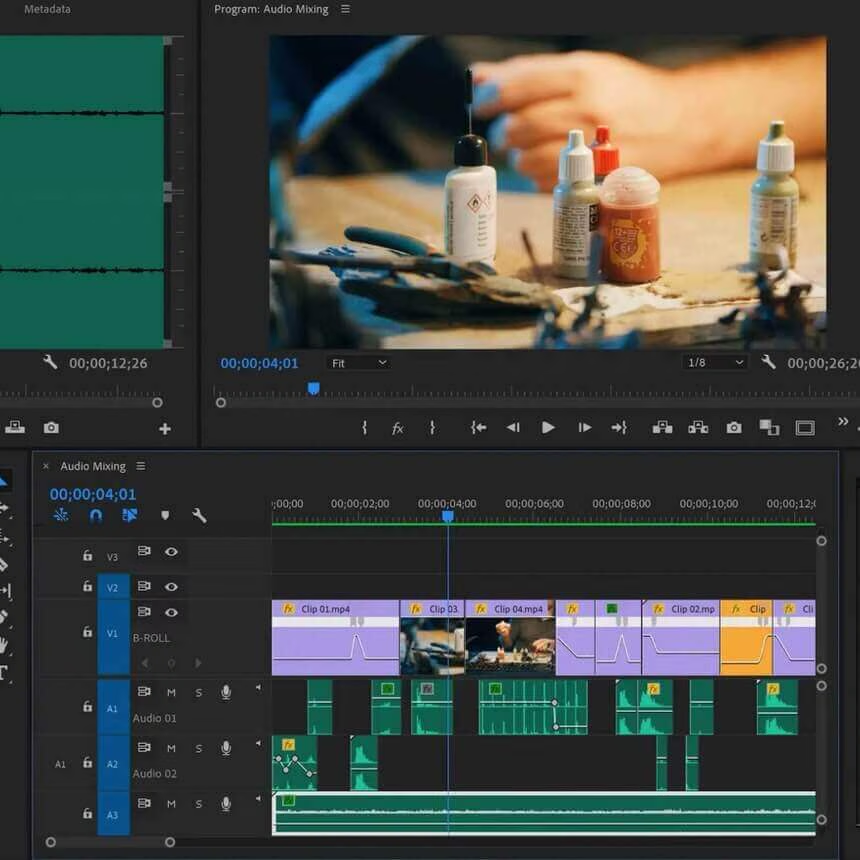
Video Editing With Adobe Premiere Pro
Beginner to Advanced



$
178.00
Included in the bundle!
Video Editing With Adobe Premiere Pro
Cinecom.net
Part 1: An interactive and hands-on course to get started editing professional videos. Part 2: Learn advanced editing techniques.


Part 1: Video Editing With Adobe Premiere Pro For Beginners
Turn your creative ideas into amazing videos with Adobe Premiere Pro. An interactive and hands-on course for anyone who wants to get started editing professional videos.
Course Information
This is the 5th generation Premiere Pro class. Cinecom has gathered so much experience over the past 10 years and bundled this into the best Premiere Pro class any beginner is looking for.
You are here to start editing and that’s what this course will make you do! They've down-scaled the theory lessons to a fundamental basis, to give more time to the creative tasks.
Learn Fast
This class is focused on getting fast results. After a few lessons, you can already start with basic editing tasks.
Learning Experience
5th generation Premiere Pro class. They've used previous experience to make the best Premiere Pro class ever.
Hands-on
No boring theory or long explanations. You'll dive straight into action, editing videos.
Who Is This Course For?
Any creative person who likes to** start editing** great videos using a professional tool. If you’re not into slow manuals or long explanations of how things work, then this course is perfect for you. With student results in mind you’ll be able to start editing in no time.
What Will I Learn?
You’ll learn a solid basis of Premiere Pro which allows you to do the following:
- Organizing and starting a Premiere Pro project
- Perform basic edits, arrange clips, and work in multiple layers
- Perform advanced edits using the toolbox, *_masks *_and *_blending *_techniques
- Applying and adjusting video/audio effects
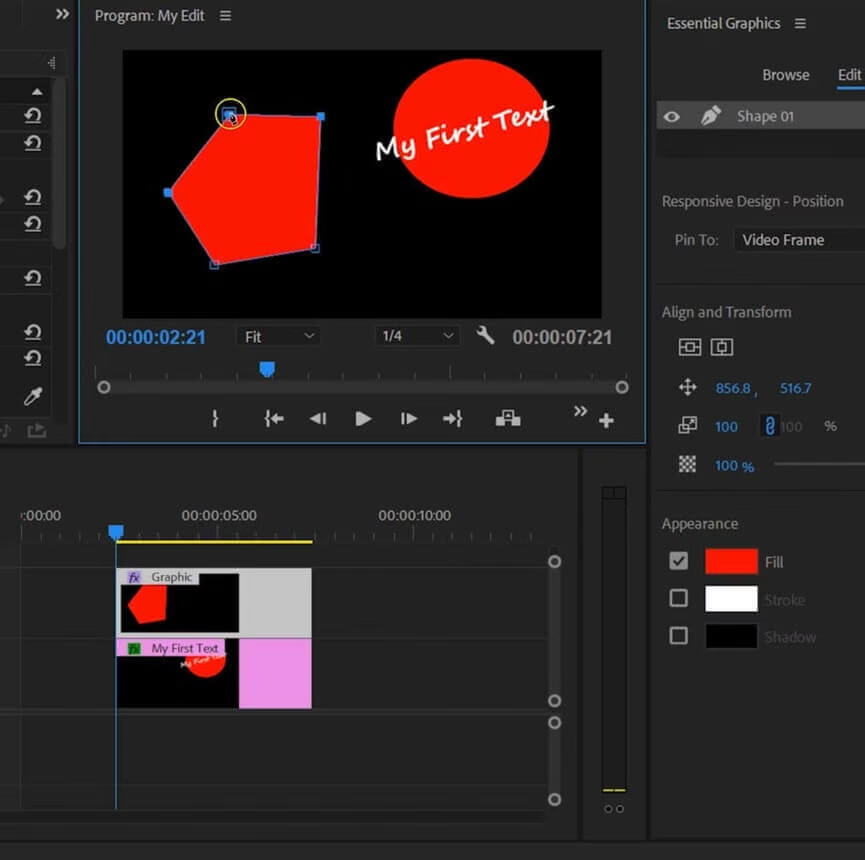
- Create custom graphics and texts
- Making custom *_templates *_and using third party templates
- Create custom *_animations *_and understand mechanics
- Mixing **audio **from speech, music, and **sound effects**
- **Exporting **a video with the proper settings
19 Lessons, 3h+ training
- Introduction (2:40)
- A Digital File (10:49)
- The Workspace (9:03)
- Organize Clips (15:05)
- Basic Editing (21:18)
- The Toolbox (15:34)
- Video Effects_ (14:52)_
- Transitions (10:41)
- Text and Graphics (8:01)
- Templates (8:54)
- Custom Animations (13:55)
- Speed Ramping (11:08)
- Basic Visual Effects (10:22)
- Color Correction (9:32)
- Audio Mixing (16:38)
- Audio Effects (6:55)
- Export Settings (7:52)
- Useful Settings (6:28)
- Conclusion (1:50)
Part 2: Advanced Video Editing In Adobe Premiere Pro 2020
Take your video editing skills to the next level with most complete Adobe Premiere Pro class for advanced users. Learn advanced editing techniques, 2D animations, audio enhancement, and color corrections.
Course Information
After the amazing success of thier Premiere Pro class for beginners, Cinecom decided to create a follow-up. Thoroughly produced with a fun and engaging learning experience in mind.
By the end of the class, you’ll have a complete understanding of every editing tool of Adobe Premiere Pro. This** eliminates technical challenges** so that you can focus on the *_creative *_side of editing.
Learn Fast
Learn at your own pace with the short lessons.
Fun & Interactive
No boring presentation! Jordy makes technical challenges fun.
Complete
This course covers everything there’s to learn about Premiere Pro
For Who Is This Course?
Any video editor who knows the basics of Adobe Premiere Pro and like to take their skills to the next level. Or if you have watched our Beginners class, you can transition into this Advanced class.
What Will I Learn?
You’ll learn all of the features in Adobe Premiere Pro which allows you to do the following:
- Various editing workflow techniques
- Advanced settings and options
- Working with shortcuts
- Captions and subtitles
- Create custom presets and templates
- Transition techniques
- Stabilize and reverse-motion clips
- Time remapping
- Masking and tracking
- Color correcting and grading
- Fixing and enhancing audio
- Working with codecs and render options
34 Lessons, 3h+ training
- Introduction (1:38)
- Editing Workflow (7:53)
- Sequence Settings (6:05)
- Advanced Shortcuts (5:55)
- Shortcut Layouts (3:09)
- Fit to vs Scale To Frame (3:44)
- Pancake Editing (3:11)
- Multi Camera Editing_ (8:55)_
- Timeline Customization (7:12)
- Project Settings (5:21)
- Closed Captions (12:54)
- Advanced Keyframing (7:27)
- Essential Graphics (10:03)
- Custom Presets (6:48)
- Advanced Text Graphics (4:21)
- Custom Templates (5:32)
- Track Matte Transitions (4:06)
- Transform & Motion Blur (6:29)
- Stabilize Footage + Reverse (5:45)
- Preview: Advanced Time Remapping (10:03)
- Masking Techniques (7:24)
- Mask Tracking (4:40)
- Color Correction (7:44)
- Create a Color Grading Look (8:45)
- Dynamic Link (6:35)
- Fixing Audio Issues_ (9:47)_
- Audio Mixing (6:29)
- Sound Design (11:37)
- Synchronize A/V (3:02)
- Preview Rendering (6:54)
- Working with Proxies (3:34)
- Export Options_ (7:13)_
- Versions & Downgrading (4:01)
- Conclusion (1:64)
Final Cut Pro X Editing Workflow
Beginner and Intermediate


$
129.00
Included in the bundle!
Final Cut Pro X Editing Workflow
Full Time Filmmaker
Learn every step we take inside Final Cut Pro X to efficiently create masterful edits.
WHAT'S INCLUDED IN THIS WORKSHOP?
Learn every step we take inside Final Cut Pro X to efficiently create masterful edits.
20 Video Lessons
3 hours of organized training videos teaching how to edit like a PRO.
Downloads
Download keyboard shortcuts, LUTs, and practice footage.
1 Quiz
Check for understanding with a quiz at the end of the workshop.
Links & Savings
Get direct links to recommended gear to speed up the purchasing process.
CURRICULUM INCLUDES:
1. Intro to FCPX
2. Data Management
3. Starting a New Project
4. Keyboard Shortcuts FCPX
5. Sifting Process Part 1
6. Sifting Process Part 2
7. Editing To Music
8. Export Settings
9. Speed Ramping
10. Stabilization
11. Digital Zoom, Vertigo Effect, Feframing
12. Light Leaks
13. Creating Basic Motion Titles
14. How to Green Screen
15. Optical Flow (How to Fake Slo Mo)
16. Where to Find and License Music
17. Sound Design 101
18. Color Correction 101
19. Color Grading - How to Install & Apply LUTS
20. The Orange & Teal Look Explained
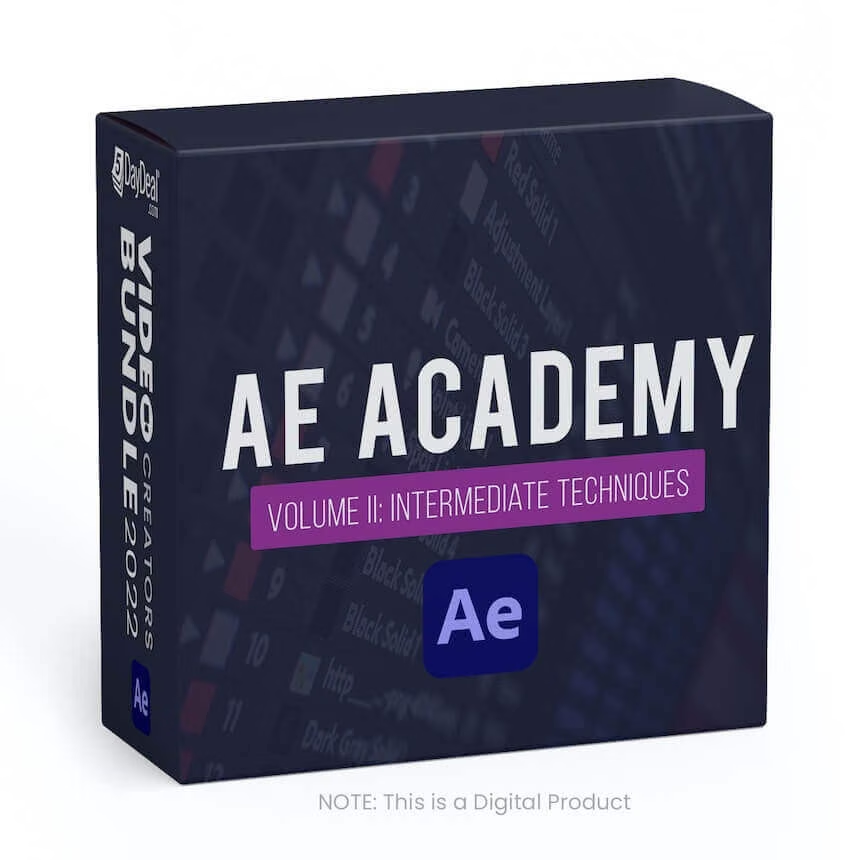
AE Academy Volume II
Intermediate Techniques



$
197.00
Included in the bundle!
AE Academy Volume II
Motion Science
Master After Effects. Operate the Program Like a Pro.
Master After Effects. Operate the Program Like a Pro.
What you'll get:
- 6+ Hours
- On-Demand/Stream Anytime
- Training topics:
- The Value Graph
- The Speed Graph
- UI Interface Build
- Wiggle Expressions
- Time Expressions
- Loop Expressions
- Expression Shortcuts
- Coloring Techniques
- Coloring with Interpret Footage
- Working with Proxies
- Using Keylight
- Luma Keying
- The Rotobrush
- Transfer Modes
- 2D Motion Tracking
- Stabilizing with Motion Tracking
- 3D Motion Tracking
- Face & Mask Tracking
- Using Content-Aware Fill
- Advanced After Effects Rendering
- Media Encoder Rendering
How To Light Night Interiors, Volume I
Nuances of capturing memorable night imagery


$
149.00
Included in the bundle!
How To Light Night Interiors, Volume I
Filmmakers Academy
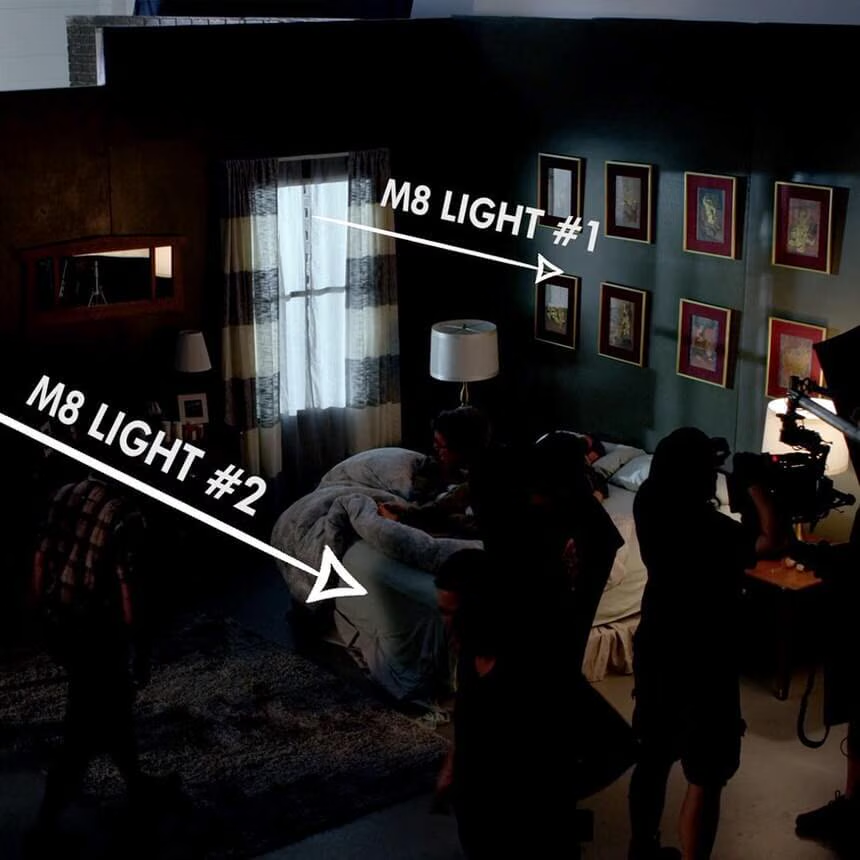
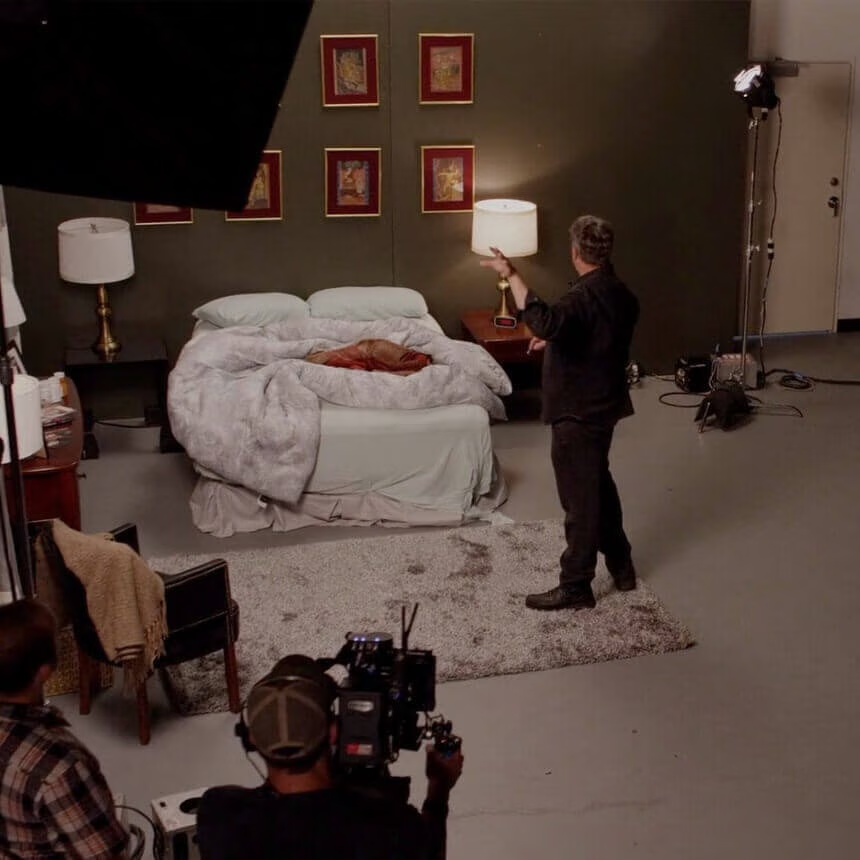
This masterclass will show you how to achieve that silver-grey moonlight for cinematic effect with Shane Hurlbut, ASC


Uncover the nuances of capturing memorable night imagery
- 3 Lessons
- 30+ minutes of instructional videos
Master night interiors with How To Light Night Interiors
Volume I. From location scouting to lighting sources and adjusting your
camera’s color temperature, (and everything in between), this masterclass will
show you how to achieve that silver-grey moonlight for cinematic effect.
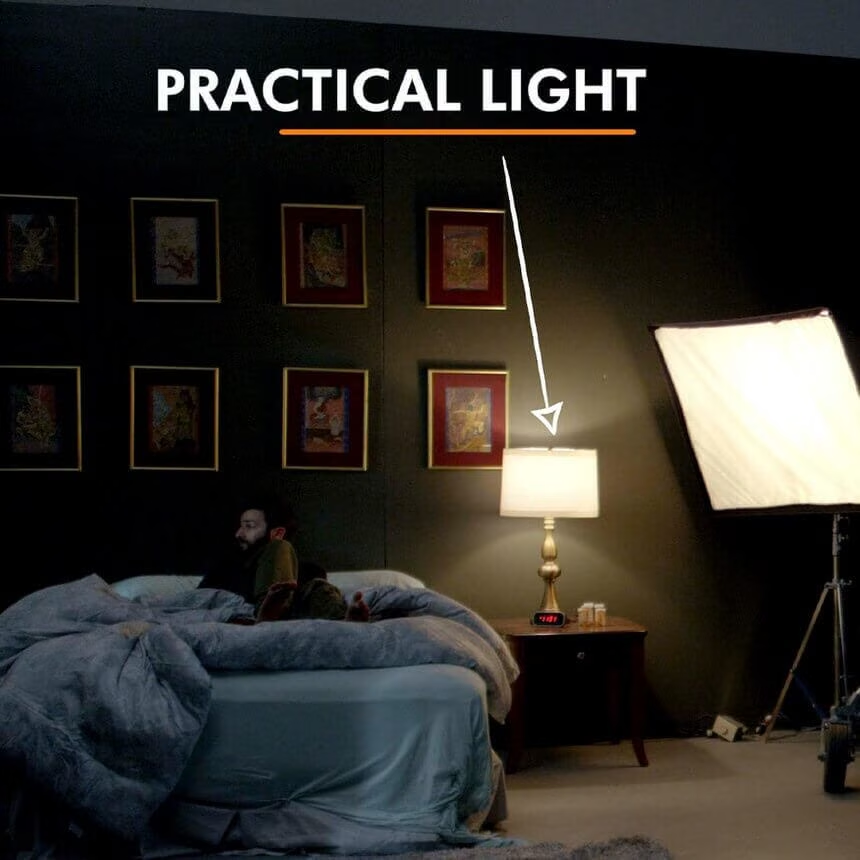
In addition to the above, expect to learn the quality and quantity of your light sources, the correct color contrast, and false-color exposure techniques, as well as balancing interior and exterior lighting!
- Detailed written breakdowns
- Top-down lighting schematics
- Side by side comparison
Module 1 — Pre-Production & Production
- How To Light Night Interiors: Part 1
Module 2 — Production
- How To Light Night Interiors: Part 2
- How To Light Night Interiors: Part 3
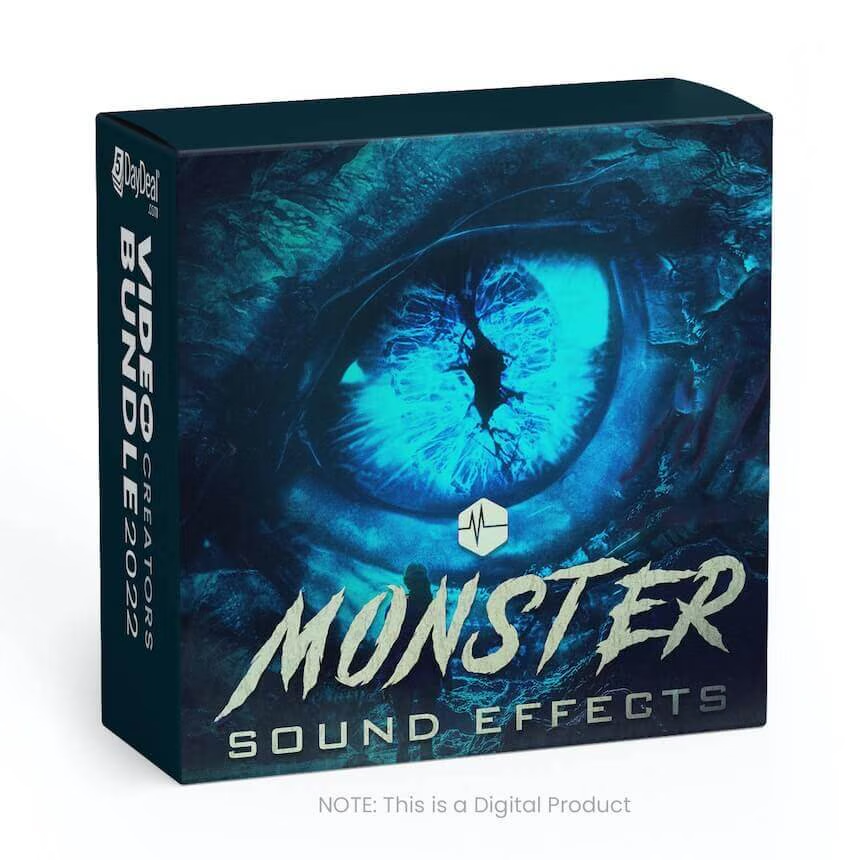
MONSTER SFX
856 files containing monster sound effects

$
110.00
Included in the bundle!
MONSTER SFX
Triune Digital
856 files containing Roars, Bellows, Whispers, Grunts, Groans, and Moans for Monster and Fantasy Creatures.



MONSTER SFX INCLUDES:
- 856 Files
- All recordings are 96k/24bit
- Source recordings from Humans, Animals, and a vast array of instruments.
- Features 12 creatures: Banshee, Blob, Colossus, Insect, Leviathan, Orc, Phantom, Pixie, Roc, Swarm, Troll, and Zombie.
30 Massive VFX Explosions Pack
These massive explosions are perfect for video editors and motion designers



$
99.00
Included in the bundle!
30 Massive VFX Explosions Pack
Eldamar Studio
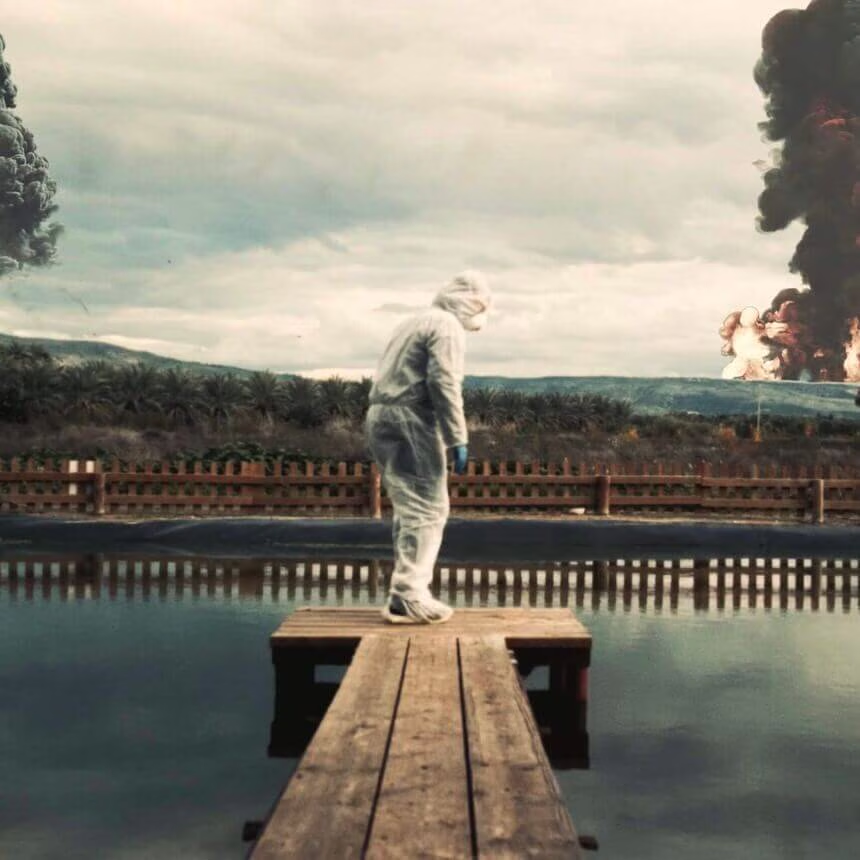
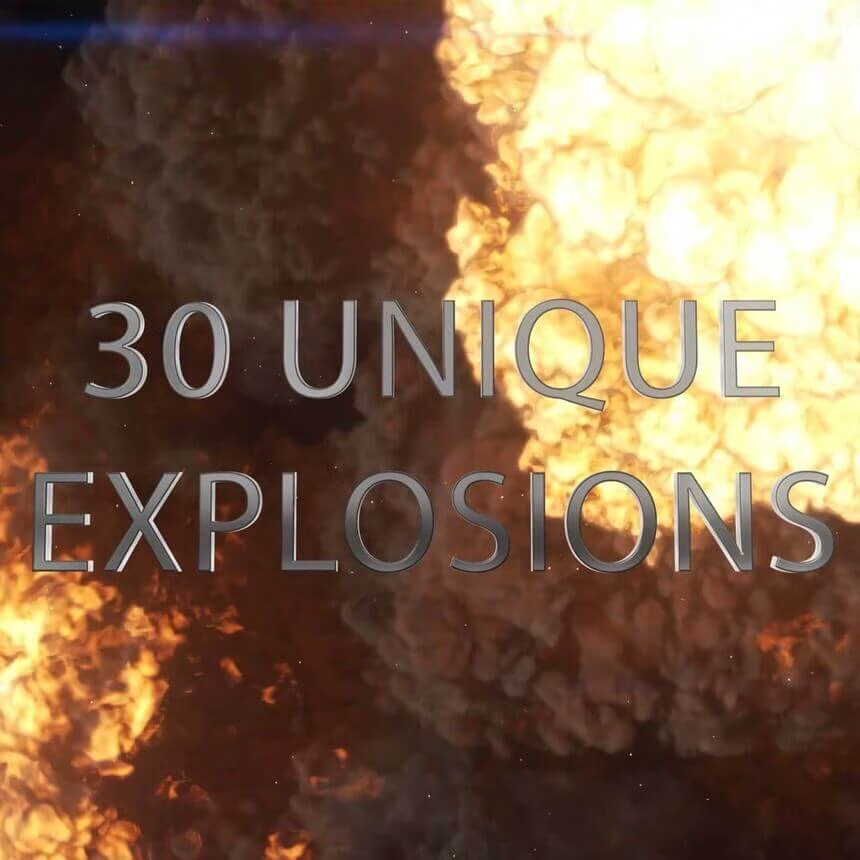
These massive explosions are perfect for video editors and motion designers.

These massive explosions are perfect for video editors and motion designers.
License Type: Commercial
Number of Items: 30
File Types: .MOV
File Size: 27.4 GB
No matter what you’re working on; a commercial or an action scene, these massive explosions are perfect for video editors and motion designers.
Explosions simulation pack for VFX, motion graphics, transitions, titles, etc.
Also, this can be used as video backdrops and overlays.
They work in almost all video editing software including: After Effects, Premiere Pro, FCPX, DaVinci Resolve, HitFilm, Vegas and more!
Features:
- Available in 4K resolution MOV in 12-bit ProRes 4444 and GoPro CineForm codecs.
- With Alpha Channel
- 4K Resolution
- 30 FPS
Premiere Gal's Creator Pack
6 Essential Editing Packs for Adobe Premiere Pro




$
95.00
Included in the bundle!
Premiere Gal's Creator Pack
Kelsey Brannan
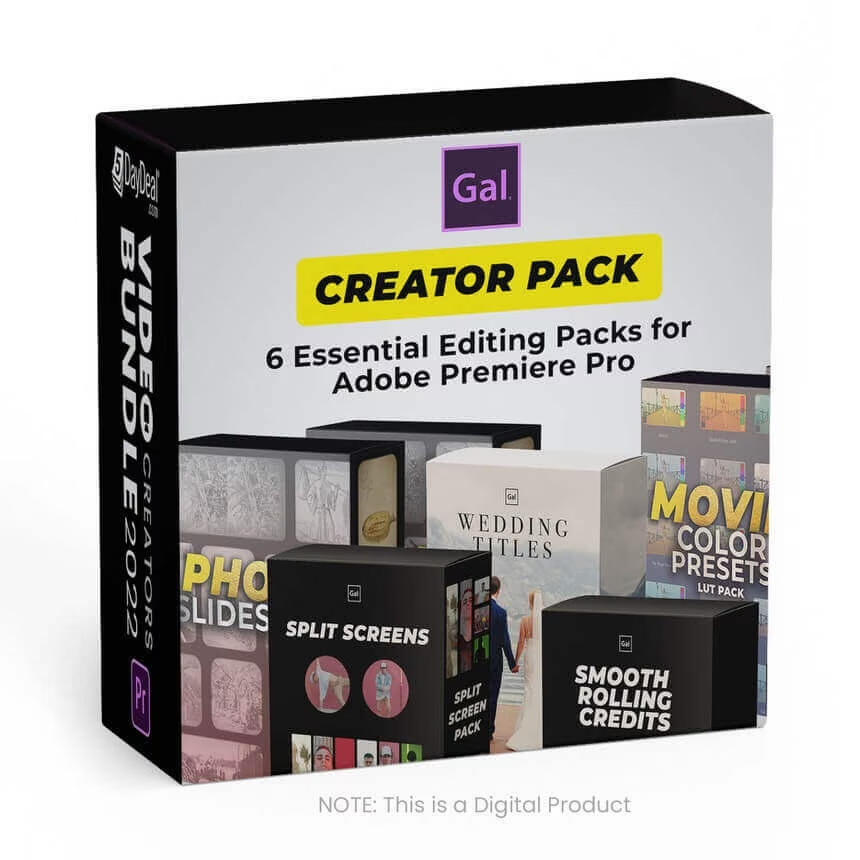
Premiere Gal's creator pack contains 6 awesome titles, templates and presets for Premiere Pro Editors


This Premiere Gal's creator pack contains 6 awesome titles, templates and presets for Premiere Pro Editors:
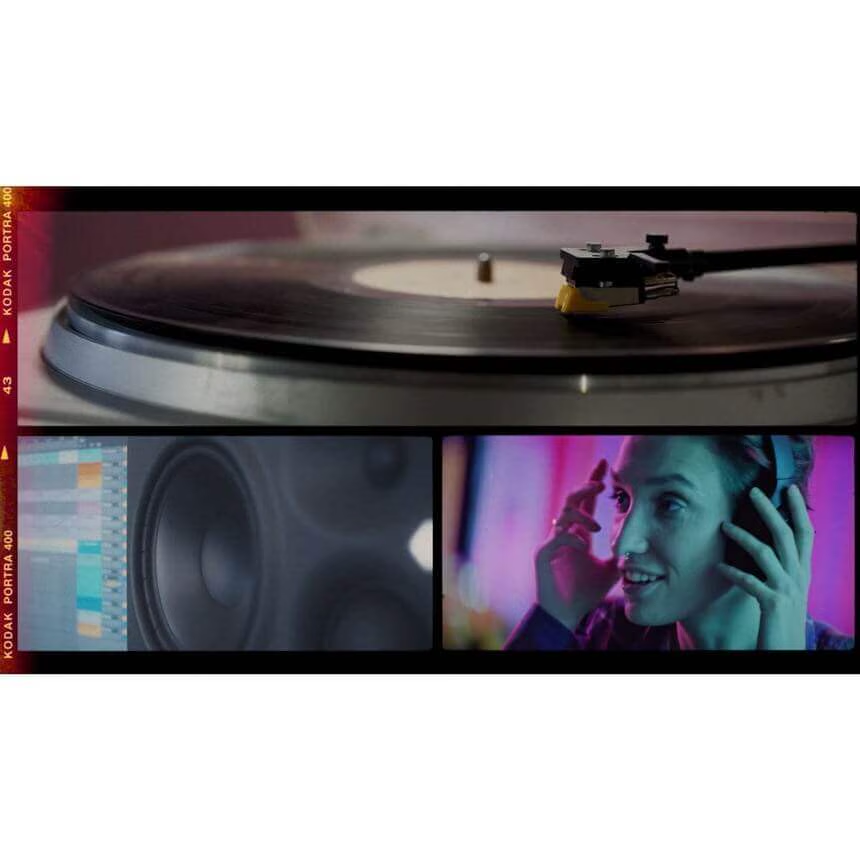
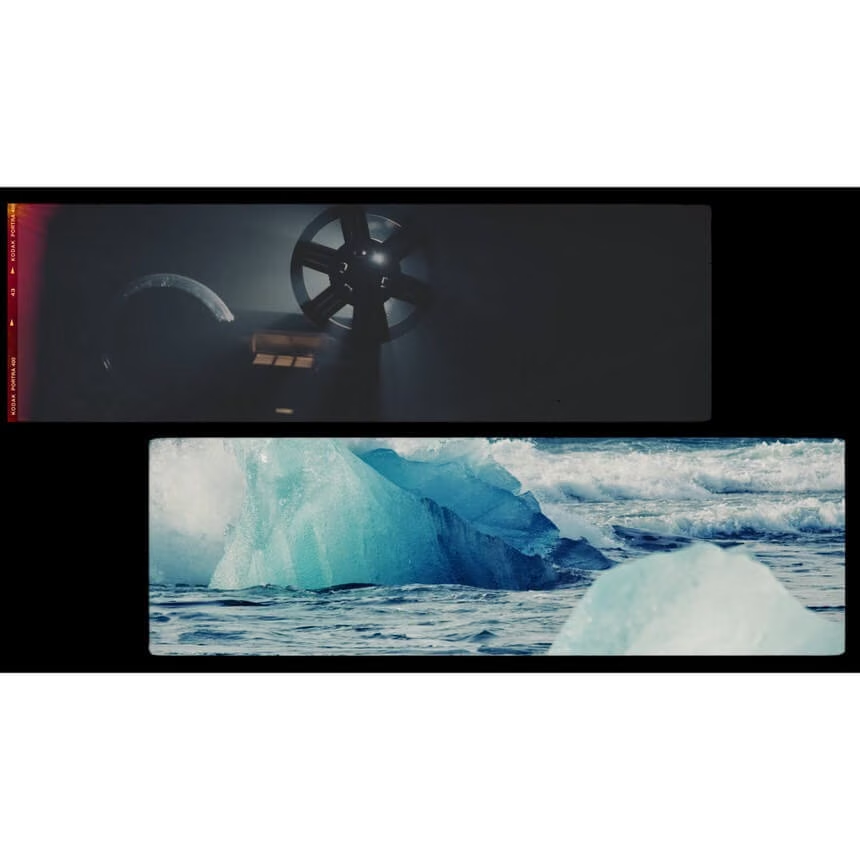
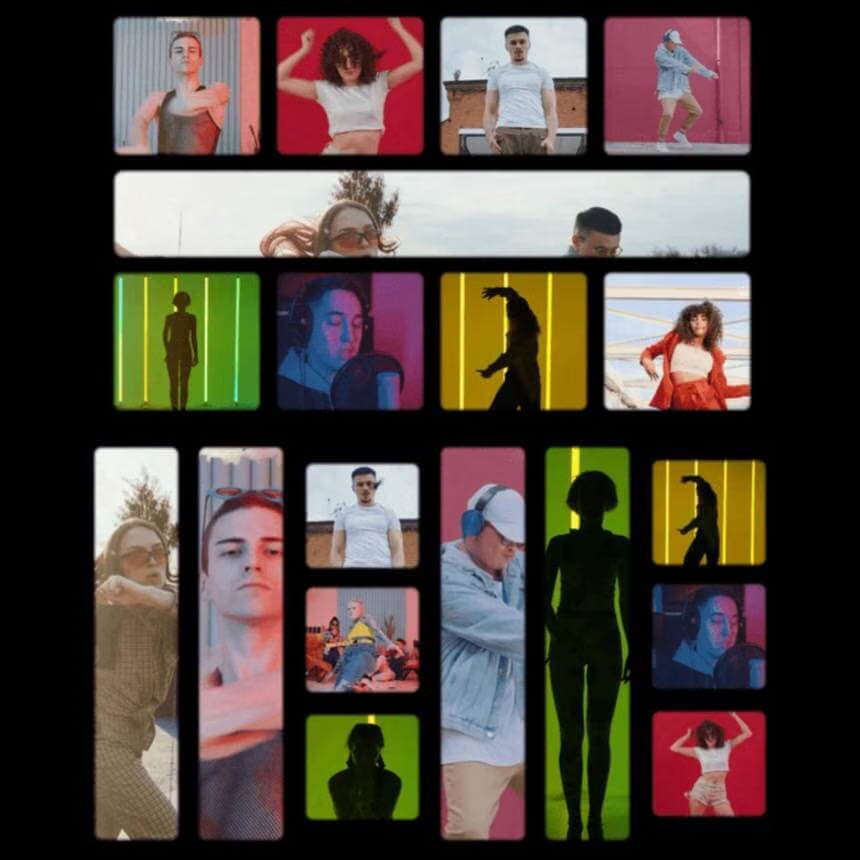
- 17 Film Split Screen Templates
- 33 Split Screen Templates for Adobe Premiere Pro
- Hollywood Movie Color Preset LUT Pack
- Motion Picture Smooth Rolling End Credits .mogrt
- Photo Slideshow Pack - Adobe Premiere Pro Template
- Wedding Title Pack - Premiere Pro CC (.mogrts)
17 Film Split Screen Templates
This pack includes 17 creative film split screen variations that will work perfectly for your music videos, title credits, and commercial video edits. Buy once and you can use forever for any type of video, commercial or personal.
The templates are neatly packaged into the following:
- Motion Graphics Template (.mogrt) for Premiere Pro’s Essential Graphics Panel
- Customize Film Grain and Frame Feathering with the Essential Graphics Panel
- PNG files for any video editing software! Import and place in your timeline. Compatibility: The .mogrt version of the pack can be used in Adobe Premiere Pro 2020, Version 14 and above. The .PNG files can be used in any version of Premiere, and in any editing software, like Davinci Resolve, FCPX, Filmora, etc.
Split Screen Variations included:
- 1 Frame
- 2 Circles
- 2 Vertical Frames
- 1 Circle and 2 Frames
- 3 Multiframes
- 3 Vertical Frames
- 4 Horizontal Frames
- 4 Vertical Frames
- 5 Multi Frames V1
- 5 Multi Frames V2
- 6 Vertical Frames
- 7 Multi Frames
- 8 Square Frames
- 9 Multi Frames
- 10 Multi Frames
- 12 Vertical Frames
- 15 Square Frames
33 Split Screen Templates for Adobe Premiere Pro
This is the split screen template you’ve been waiting for! This pack is designed to help you edit multiple people or scenes at once, fast. It’s perfect for editing zoom calls, remote interviews, podcasts, music videos, music videos, music shows, and more. Just drag and drop in your own videos or photos!
33 split screens in 5 different aspect ratios:
- 4k UHD (3840x2160): 2 Screens, 3 Screens, 4 Screens, 5 Screens, 6 Screens, 8 Screens, 9 Screens, 10 Screens, 12 screens, 20 screens
- FHD (1920x1080): 2 Screens, 3 Screens, 4 Screens, 5 Screens, 6 Screens, 8 Screens, 9 Screens, 10 Screens, 12 screens, 20 screens
- Square (800x800): 2 Screens Horizontal, 2 Screens Vertical, 3 Screens, 4 Screens, 6 Screens
- Square (1080x1080): 2 Screens Horizontal, 2 Screens Vertical, 3 Screens, 4 Screens, 6 Screens
- Vertical (1080x1920): 2 Screens, 3 Screens, 4 Screens
Compatible with all versions of Premiere Pro in the Creative Cloud. You can use the Premiere Pro Project Downgrader to convert to an earlier version. There’s also .XML project files included for CC 2019, 2018, 2017, 2015,
This does not work with CS5 or CS6 only the Creative Cloud.
Designed by Premiere Gal in Adobe Premiere Pro CC 2020. Purchase once and use forever.
Hollywood Movie Color Preset LUT Pack
Premiere Gal has put together a pack of 20 Color Grade replicas of popular Hollywood films. The pack includes both .CUBE (LUT, look up table files) which can be used in Premiere, Davinci, and FCP and Premiere Pro Filter Preset files .prfpset which can be imported into Premiere Pro’s Effects preset folder.
Supports any resolution!
Here are the film color grade presets included in the pack:
- Amelie
- Bladerunner 2049
- Burn After Reading
- Dune
- Far From Heaven
- In the Mood For Love
- Joker
- Kill Bill
- Mad Max
- Matrix
- Moonlight
- Pulp Fiction
- Sin City
- Slumdog Millionaire
- The Grand Budapest Hotel
- The Revenant
- Transformers
- Vertigo
- Wonder Woman (Blue Color)
- Wonder Woman (Orange color)
License: Buy once and use forever in any project. You are prohibited from sharing, distributing, or reselling this pack on any other website, file-sharing service, email, store, or marketplace.
Motion Picture Smooth Rolling End Credits .mogrt
This flicker-free motion graphics template will make editing your rolling credits 5x faster. It includes the modern-day hierarchy for motion picture roles/credits from the camera department to sound and more.
Features?
- 100% Customizable with Premiere Pro’s Essential Graphics Panel
- Customize font, color, and text
- Add images and logos!
- Responsive Design! If you delete a credit the rest of the credits will adapt up
- Customize
Compatibility: Premiere Pro v. 15.0 and above.
Photo Slideshow Pack - Adobe Premiere Pro Template
This is the perfect slideshow template for Premiere Pro video editors. You can use the template to create dynamic classic photo slideshows for documentaries, weddings, vertical instagram reels, YouTube videos and more.
Drag & Drop Media
You can add both photos or videos into the media placeholders for each type of resolution. Each resolution comes with 5 media placeholders.
- You can duplicate image placeholders and add as many photos or videos to your slideshow as you like!
Supports 5 Popular Resolutions for Social Media
- 4k (UHD) 16:9
- HD 1080p 16:9
- Vertical 9:16 (Great for Reels, Shorts & TikTok)
- Portrait 4:5 (Great for Instagram Feed)
- Square 1:1
5 Types of Photo Transitions
There are five types of transitions used in the slideshow creator: (1) Classic Photo Slide Zoom Blur, (2) Downwards Swipe, (3) Upwards Swipe, (4) Left Swipe, and (5) Right Swipe
Slide Frame Crop & Light Leaks
The film frame crop and light leaks can be turned off if you do not want them.
SFX Included!
Software Compatibility: Compatible with Adobe Premiere Pro 2022 or higher.
License: Buy once, use forever in any time of video product. You cannot share or resell this item to any person, website, or creative marketplace.
Wedding Title Pack - Premiere Pro CC (.mogrts)
Must have Premiere Pro CC 2018+ to use this pack. Will not work with CC 2015, or CS6 or CS5.
Import into your Essential Graphics Panel and drag and drop into your timeline to use.
Features:
- 11 Titles in 4K Resolution
- 2 Lower Thirds, 8 Modern Titles
- Customize text, font, size, and color
- In and out animations
- Responsive design
CINE SFX Vol. 1 & Premium LUT Pack
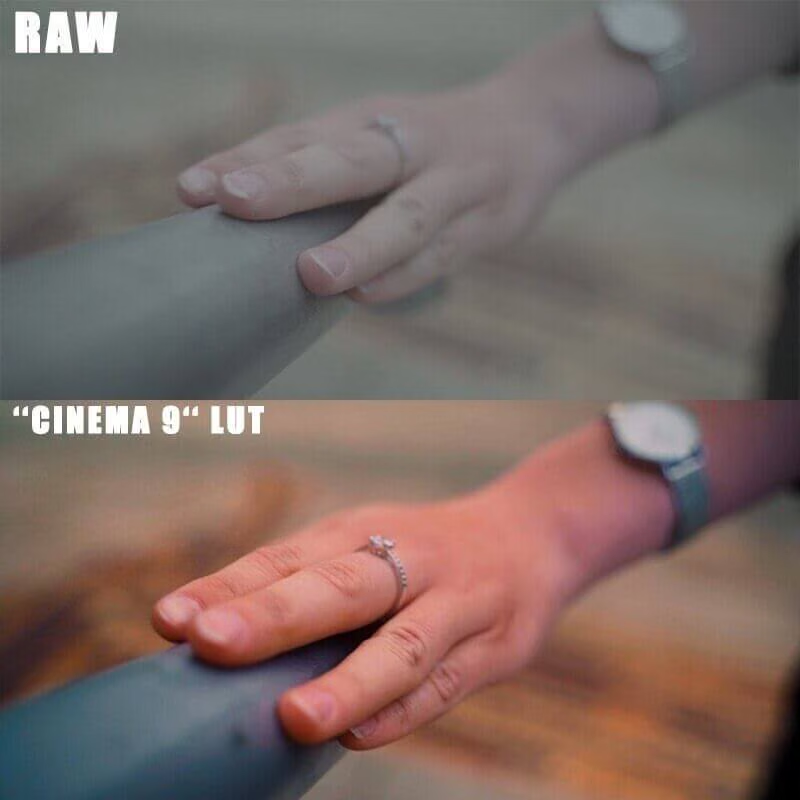
300 Cinematic Sounds + 500 Different LUTs


$
110.00
Included in the bundle!
CINE SFX Vol. 1 & Premium LUT Pack
Timo Sell
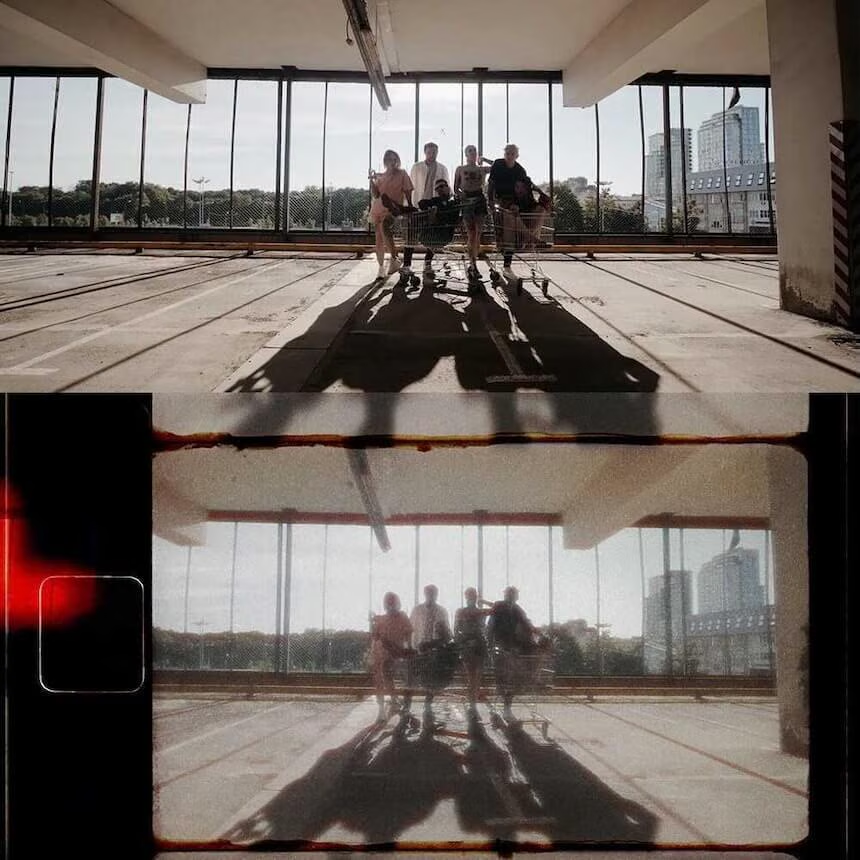
Realistic Super8 Look within just a few mouse clicks. A sound effects and LUT library that cover all your needs as a filmmaker.
The CINE SFX Vol. 1 Ultimate Bundle & Premium LUT Pack both in one pack.
FEATURES
- 300 sound effects
- 500 LUTs
- created by colorists and filmmakers
- professionally mastered
- WAV format
- royalty-free
- works on any major editing applications
- digital download
CINE SFX Vol. 1 Ultimate Bundle provides you with all the Sound FX you need for your next projects. 300 exclusively mastered sound effects.
INCLUDES
- Ambiance Sounds
- Impact Hits
- Trailer FX
- Transition Hits
- Whooshes
The Premium LUT Pack will speed up your color grading process. With more than 500 LUTs you will achieve the exact color grade you want. Created by Colorists and Filmmakers
FEATURES:
- 500 LUTs
- CUBE file
- digital download
Licensed for commercial use and royalty-free.
All sounds (WAV format) and LUTs (cube file) are compatible with any major editing application, including Adobe Premiere Pro, Final Cut X, After Effects, DaVinci Resolve, and many more.
1 file (1.1GB)
Budget Maximizer 2.0
Tired of not knowing how much to charge?


$
197.00
Included in the bundle!
Budget Maximizer 2.0
Studio Sherpas
Take the guesswork out of building budgets and developing estimates for your clients. The Budget Maximizer is a tool that will help you!

Take the guesswork out of building budgets and developing estimates for your clients. The Budget Maximizer is a tool that will help you spend less time working on things that aren’t inspiring (like guessing how much you should charge for a new project) and will allow you to spend more time creating.
Tired of not knowing how much to charge for a job? Want to make sure you're profitable on ALL your video jobs?
WHAT YOU'LL DISCOVER:
How to quickly and efficiently create a new estimate in minutes (literally less than FIVE) using the Budget Maximizer.
A streamlined process for creating new estimates, organizing project estimates, and keeping track of past budgets
A proven strategy on how we present estimates to clients – Confidence in knowing that any “money left on the table” is potentially more opportunities for video work
How Studio Sherpas budgets to scale their team for working with contractors
How to take care of your contractors so they’ll be super happy to work with you again
Save time when speaking with a new client to determine if the client’s expectations and budget will work.
The Power Of Music Editing
Part 1 and 2



$
128.00
Included in the bundle!
The Power Of Music Editing
Inside The Edit
Learn The Art of Editing... Fast! Compress months of creative edit training into one of our immersive webinars.
Learn The Art of Editing... Fast!
Compress months of creative editing training into one immersive webinar.
Inside The Edit Bootcamp has been designed for creatives who love to compress their learning into short, intense bursts. Inside The Edit webinars are packed with an enormous amount of creative editing theory and analysis that does not exist anywhere else in the
industry.
If you love to learn but would rather do it in a live and immersive environment, then Inside The Edit Bootcamp is for you.
How to cut up and restructure music for maximum emotion.
Music Editing Part 1:
Do you find it frustrating trying to use music in your edits?
Is finding and crafting the perfect track in your sequence a mystery?
Well, don’t despair, this webinar will teach you the rules and techniques of how to use music.
No more confusion, just powerful scenes with the perfect musical score. In The Power Of Music Editing Part 1 you’ll learn:
- The purpose of the score
- Auditioning tracks
- Designing musical tonality
- Selecting genre and tempo
- Assigning musical elements
These are the fundamental principles of high-end music editing that every professional editor should know. Mastering these will put you at the very top of our art form.
Music Editing Part 2:
You'll learn the rules and techniques of how to use music. No more confusion, just powerful scenes with the perfect musical score.
In The Power Of Music Editing Part 2 you’ll learn:
- How to cut up and restructure music for maximum emotion.
- How to match musical moments with specific scene moments.
- The secrets of in-depth musical analysis.
- How to connect the musical tone with the cutting pattern.
The Ultimate Hyperlapse Course
Learn about creating world-class hyperlapses


$
127.00
Included in the bundle!
The Ultimate Hyperlapse Course
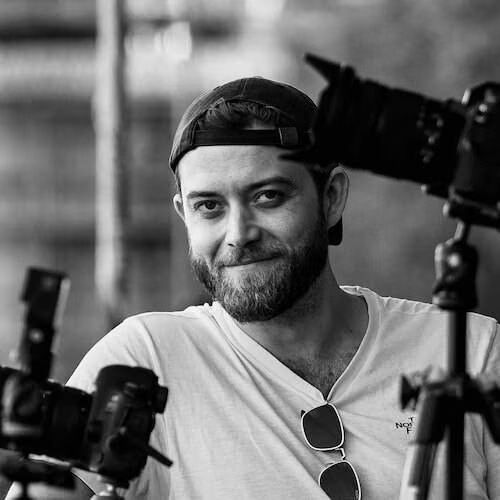
Matthew Vandeputte
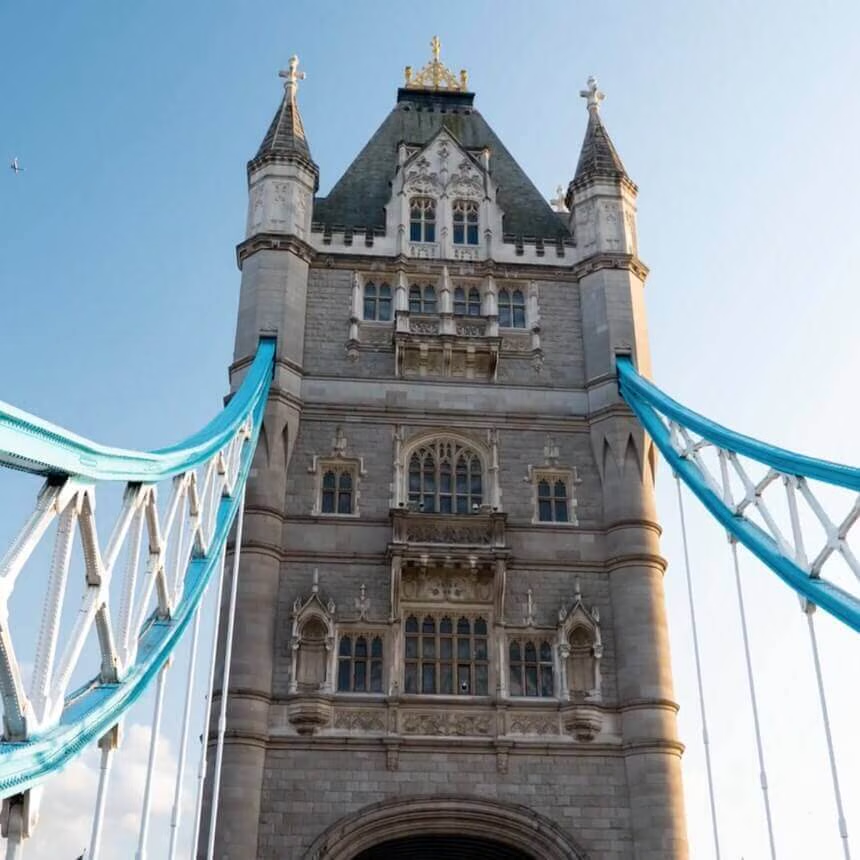
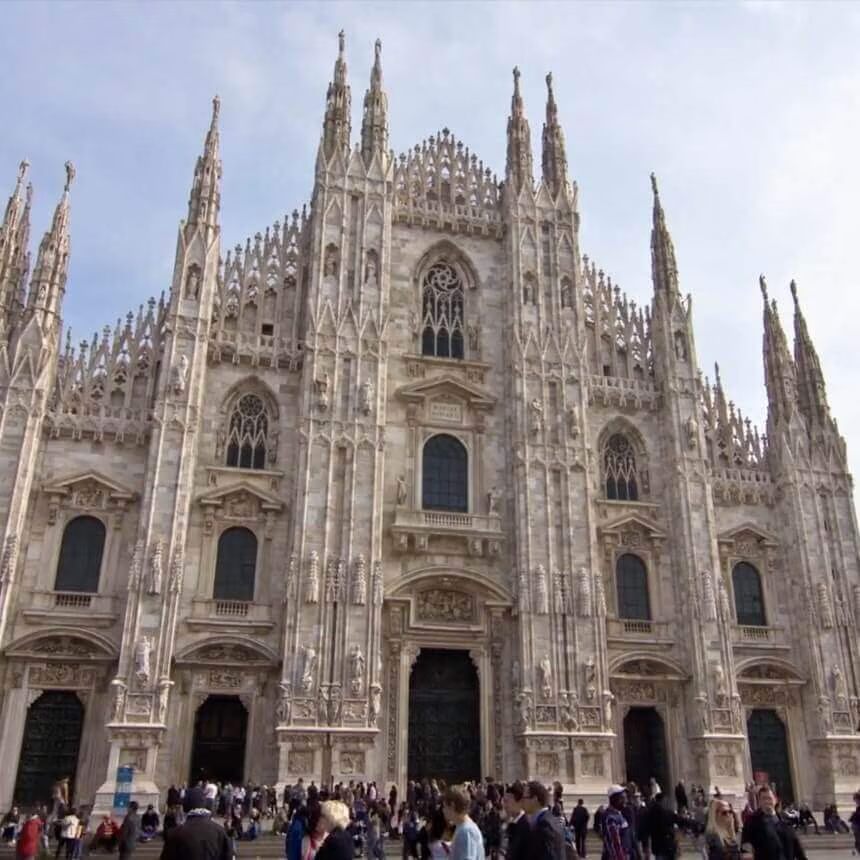
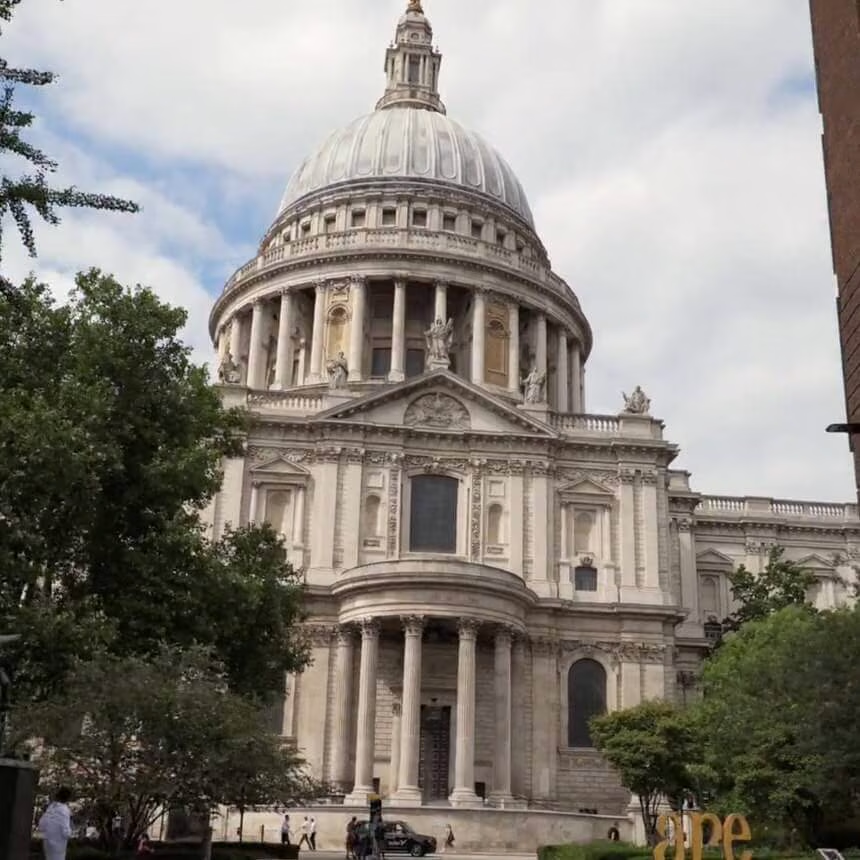
The Ultimate Hyperlapse Course teaches you everything you need to know about planning, shooting, and editing world-class hyperlapse shots.


The Ultimate Hyperlapse Course teaches you everything you need to know about planning, shooting, and editing world-class hyperlapse shots.
Learn everything there is to know about creating world-class hyperlapses
30+ Exclusive Video Lessons
Over 2 hours of all the tools and techniques you need to create captivating hyperlapses.
142 Page E-Book Included
With the Ultimate Timelapse Guide, you'll learn other timelapse techniques like holy grails, astro, motion control, and more
Timelapse Presets & LUTs
Get access to Mathew's favorite timelapse presets, LUTs, and tools for Lightroom Classic and other video editing platforms.
What Is In The Ultimate Hyperlapse Course?
- This course features a selection of content from The Ultimate Timelapse Course focusing on Hyperlapse techniques.
- You get over 30 educational videos, including the basics of timelapse photography
- The Ultimate Timelapse Guide e-book [value $49]
- Lightroom Classic Timelapse Presets and LUT collection [value $49]
- Pro Timelapse Template for Post Haste file management software [value $9]
- Master the art of hyperlapse photography
CRT MASTER
A Happy Editing Mini-Course


$
98.00
Included in the bundle!
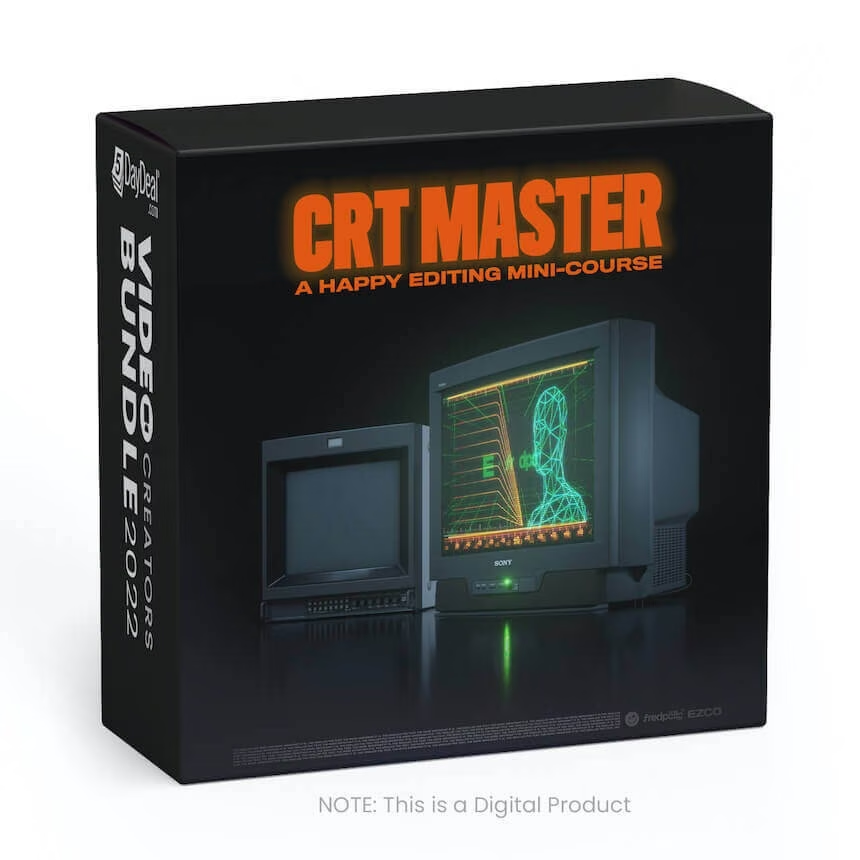
CRT MASTER
Ezra Cohen
Learn how to add unique texture to your edits using vintage analog CRT gear!

OVERVIEW
Learn the highly coveted CRT aesthetic from CRT master, Fredpelle. You'll learn our complete analog TV workflow including sourcing the right TV, capture settings and methods, and finishing in the edit.
GOING ANALOGUE
From the pixel texture and glow to that unforgettable high-pitched frequency sound, there's something beautifully nostalgic about the CRT (cathode ray tube) TVs many of us grew up with in the 90s.
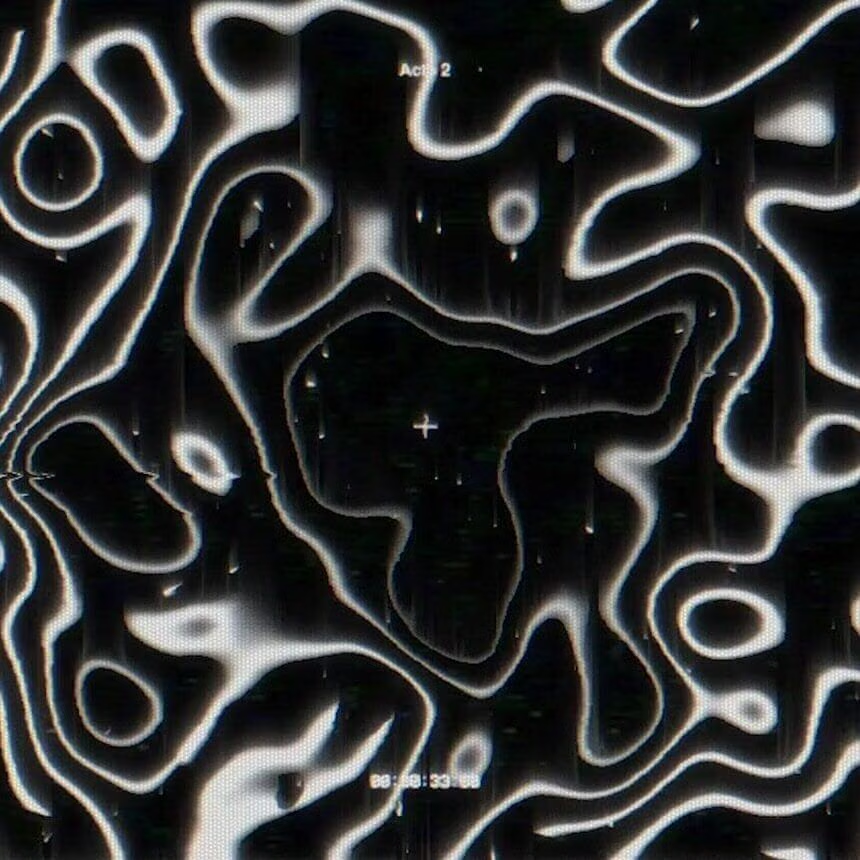
20+ years later, we are seeing a resurgence in the popularity of the CRT aesthetic. It's been featured in some of the world's top films, tv shows, commercials, and music videos. And now we want to equip you to be able to feature it in your projects!
A CRT MASTERCLASS
Fredpelle is a director and editor whose CRT-scanned textures and elements have been featured on projects around the world for Justin Bieber, New Balance, Hypebeast, and many more.
And in this course, he's breaking down the comprehensive workflow from sourcing the right CRT equipment... to dialing in your capture settings... to bringing it all together in the edit. You'll learn everything you need to know to get started working with this vintage tech and even get free practice assets to help you get started quickly.
ADDITIONAL ASSETS INCLUDED:
As a bonus, we're including some of our favorite assets that you can download and practice with in your own CRT workflow! (Valued at $49)
You'll get to see first-hand all the stunning texture that analog processing can bring to even the most simple of videos.
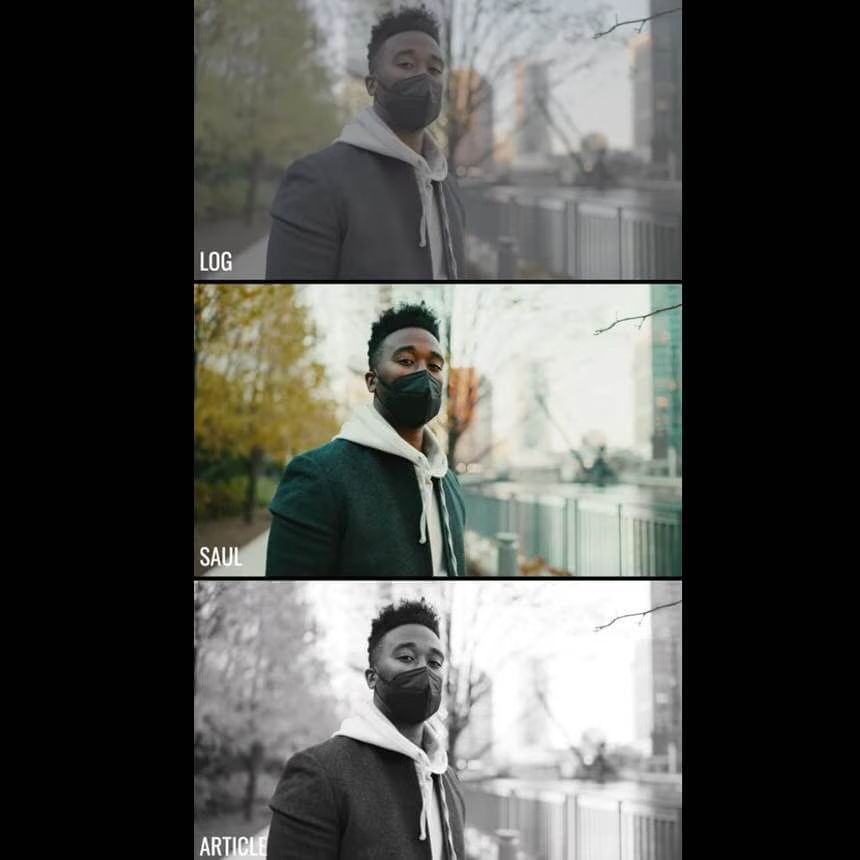
The Expedite & Explore LUT Packs



$
60.00
Included in the bundle!
The Expedite & Explore LUT Packs
Shoot Eat Sleep Repeat
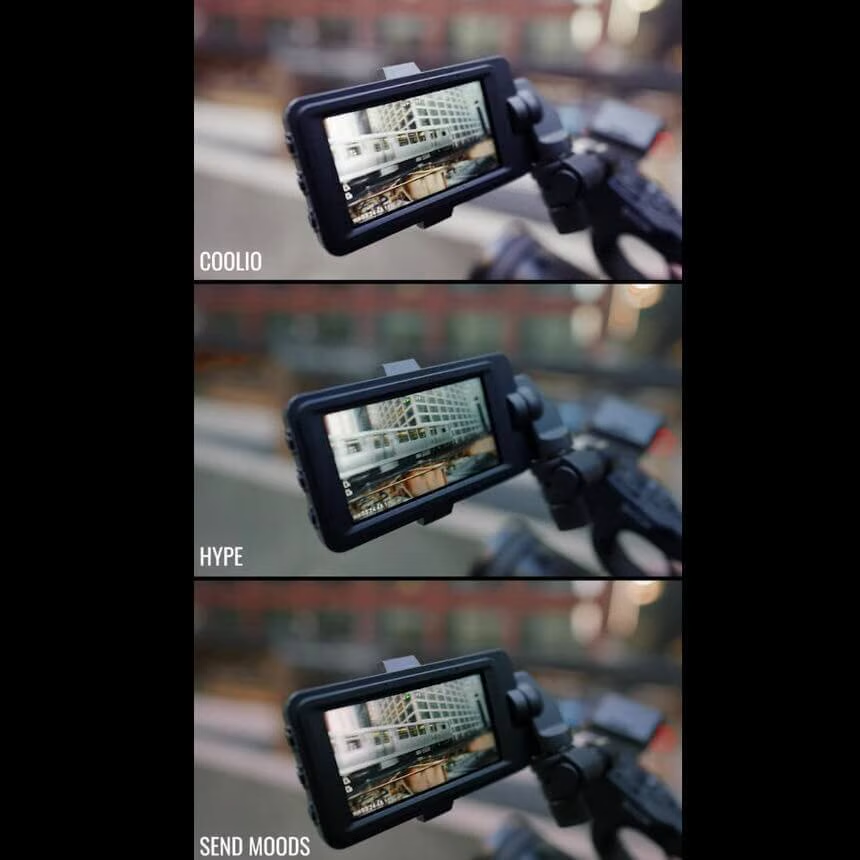
Expedite Pack includes 5 LUTs. Explorer Pack includes 6 LUTs with night versions. Works with Premiere, After Effects, Resolve, FCPX, Avid
We designed these LUTs for fast-moving creatives in run and gun situations that want to take their footage to the next level. Designed to work with both light and dark skin tones, shooting with these LUTS on your field monitor/on-camera monitor allows you to add stylish tonality for a “what-you-see-is-what-you get” look, while maintaining full dynamic range. Whether you want to impress your clients on-set, or need drag-and-drop looks for your just-wrapped shoot, these LUTS will push your Sony SLOG-3 shots to a near-final grade in seconds.
5DayDeal® VAULT Membership
12 Month Access

$
49.00
Included in the bundle!
5DayDeal® VAULT Membership
Creative Highway
5DayDeal® VAULT by Creative Highway™ provides unlimited access to any of your streaming & download courses hosted on Creative Highway from 2020 and beyond. Log in anytime and from anywhere in the world.

Note: VAULT ensures automatic access to all streaming & download courses included in the 2022 Video Creator Bundle for 1 year. If you purchased a 5DayDeal® bundle in 2020 or 2021 as well, you will receive continued access to those bundle products as part of your purchase today. Enjoy!
With the VAULT membership, purchasers of any 5DayDeal Bundle from 2020 and beyond will have access to ongoing streaming access or can choose the option to download the downloadable courses at any time in the future for as long as their membership is active. This means, if you purchased the 2020 or 2021 Video Creators or Photography Bundles, you will have EVEN MORE TIME to make your way through those resources before they disappear.
Here’s everything you get with VAULT
- Reassurance of knowing, if your computer crashes or you can’t remember your password to the cloud, you can **re-download **any of your downloadable courses from the 2022 Video Creators Bundle or ANY of the previous bundles you may have purchased from 5DayDeal EVER.
- The means of returning to 5DayDeal courses you may have streamed since 2020, but need refreshers on.
- The gift of time: chances are, you have probably advanced a lot since this time last year. This means, there may have been courses in the 2020 Video Creators Bundle that may have seemed too advance in the past, but you are now ready for. VAULT will give you will have the opportunity to dive into them as they become relevant to your experience!
- Continued Customer Support (oh, and our support team is amazing)!


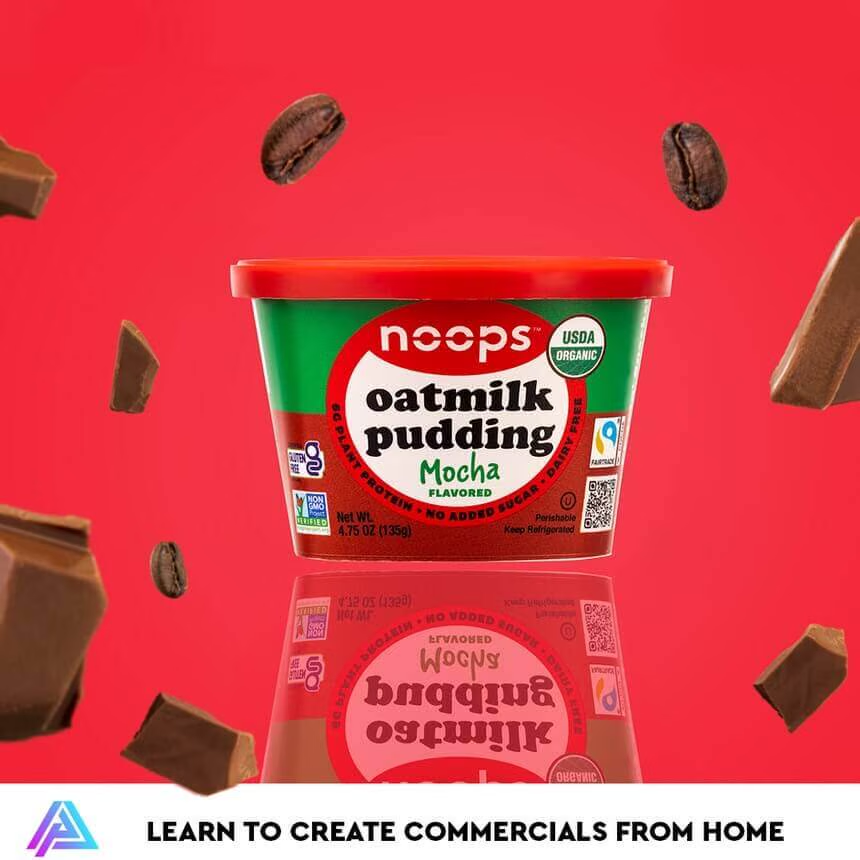
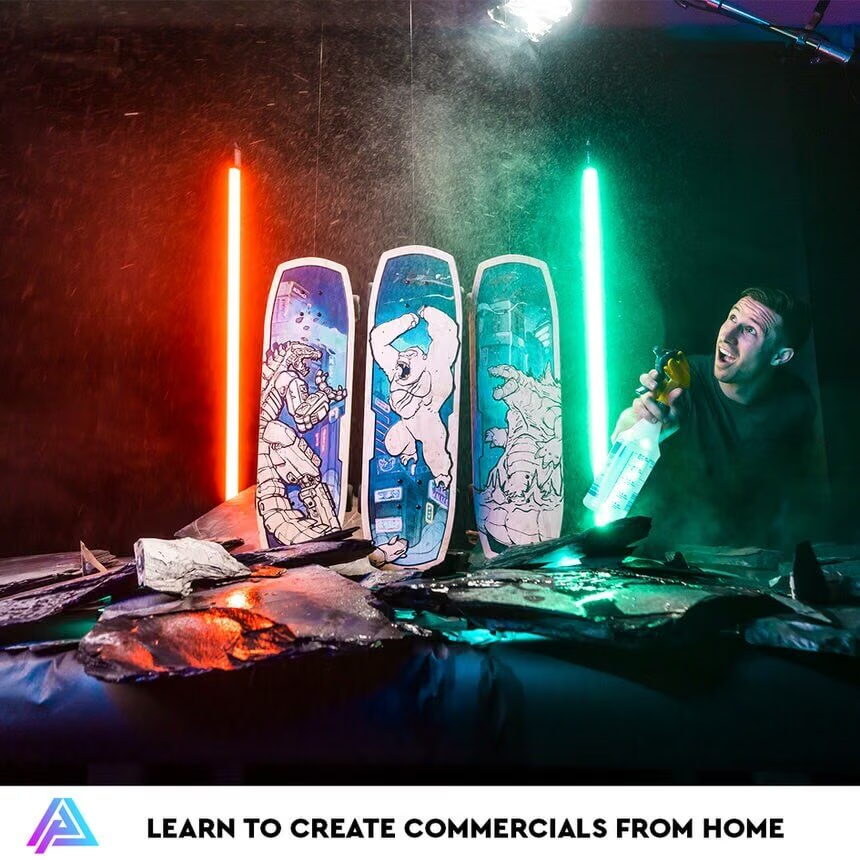
Austen Paul's Product Video Lighting Course
Visual Collection
For Creative Professionals | Elevate Your Work



$
90.00
Included in the bundle!
Visual Collection
Tropic Colour
This is a collection of all the VISUAL ASSETS Tropic Color offers!
This is a collection of all the VISUAL ASSETS we offer!
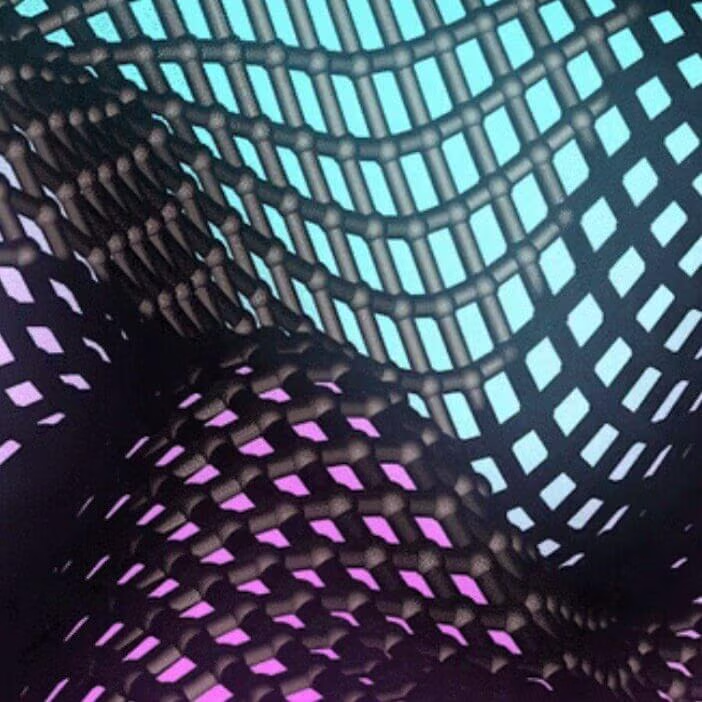
• Substance Visuals
• Rap Visuals
• Laser Visuals
• Retro Visuals
This SUBSTANCE VISUALS pack is a collection of abstract liquid animations that can be used in a multitude of creative ways in post-production and even on set!
• Ultra HQ 3D Renders
• 25+ Substance Loops
• 4K Process Files / HQ 4K Stills
• Perfect for Title / Graphic Work
• Easily use for Tour Visuals / Projector / LED Wall
RAP VISUAL ELEMENTS That can be used for tour visuals, music videos, and projection work. title overlay, video transitions, and more! The creative possibilities are endless whether using in post-production or on set.
• 30+ Rap Themed Visual Elements
• 4K H.264 Files
• Use in any editing software (Premiere / FCPX / etc)
• Perfect for Title Animations / Projector Visuals / Tour Visuals / Music Video & More
• Just drag and drop onto any edit timeline
• Custom 3d animations built for you.
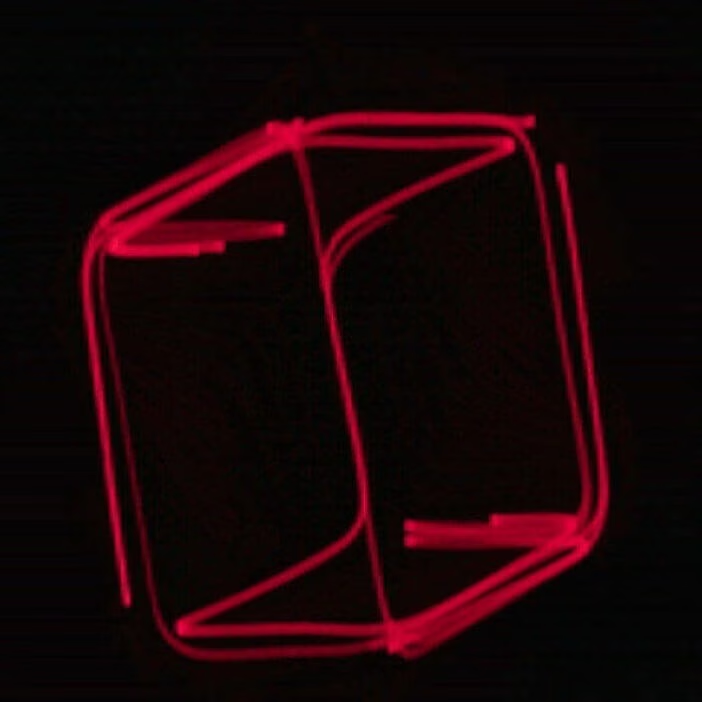
This LASER VISUALS pack is a collection of custom analog captured laser visuals that can be used in a multitude of creative ways in post-production and even on set while shooting.
• 90+ Laser Animations
• 4K Quicktime Files
• Use in any editing software (Premiere / FCPX / etc)
• Perfect for Title Animations / Projector Visuals / Tour Visuals / Music Videos & More
• Just drag and drop onto any edit timeline
• Custom animations built for you.
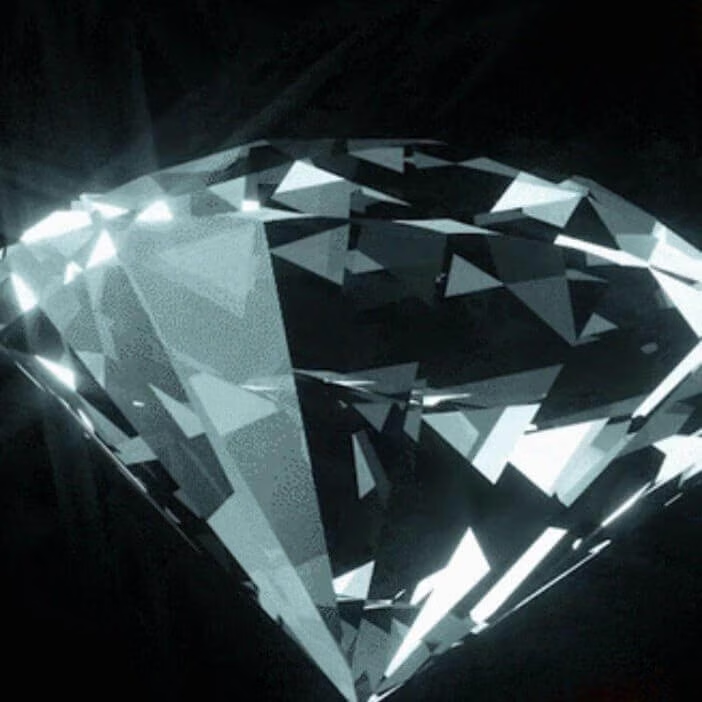
RETRO VISUAL ELEMENTS to be used for tour visuals, music videos, projection work, title overlays, and more! Creatively use it in your post-production workflow or on set while shooting!
• 50+ Retro Visual Elements
• 4K Quicktime Files
• Use in any editing software (Premiere / FCPX / etc)
• Perfect for Title Animations / Projector Visuals / Tour Visuals /Music Video & More
• Just drag and drop onto any edit timeline
• Custom animations built for you.
Epic 4K Video Creator Pack
Advanced video editing bundle



$
118.97
Included in the bundle!
Epic 4K Video Creator Pack
CreatorGalaxy
This Epic 4K Video Creator Pack is fully packed with magical elements to recreate your favorite Hollywood movies at home.

This Epic 4K Video Creator Pack is fully packed with magical elements to recreate your favorite Hollywood movies at home.
With drag and drop functionality, it's easier than ever to use these elements in your scene and best of all, they work in every video software.
Extra: we've included a Wizard template for After Effects and Premiere Pro
This bundle contains:
- 40 Magical Elements
- 20 Luma Mattes
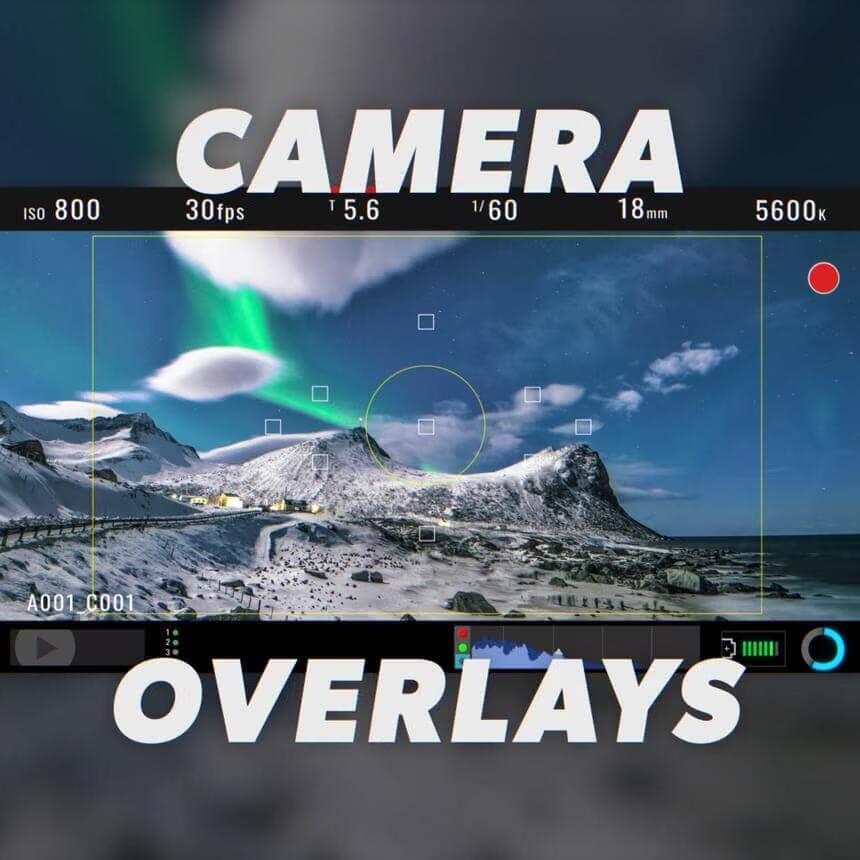
- 10 Camera Overlays
- 20 Universal Backgrounds
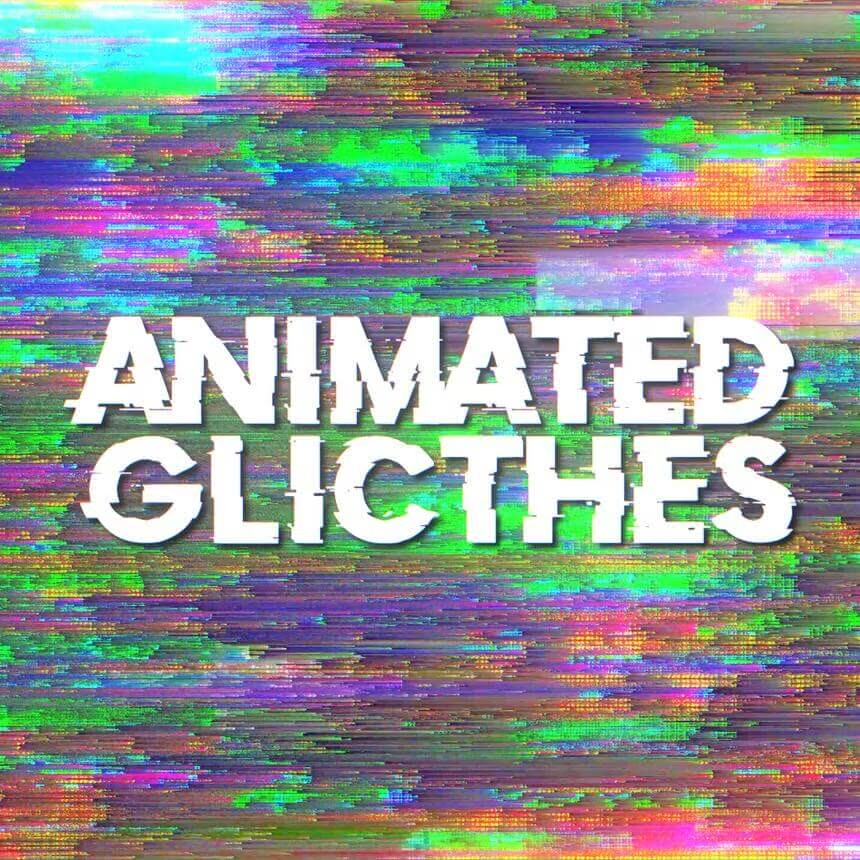
- 15 Animated Glitches
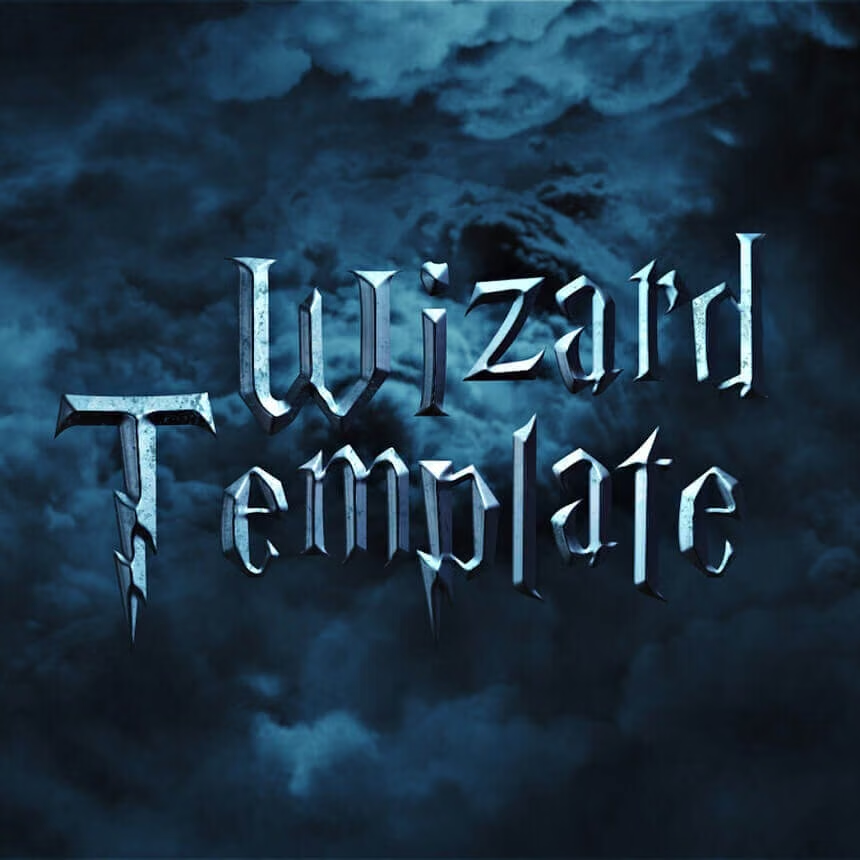
- Wizard Template
CRT Textures (4K)
200+ assets scanned on real CRT tech



$
49.00
Included in the bundle!
CRT Textures (4K)
Ezra Cohen
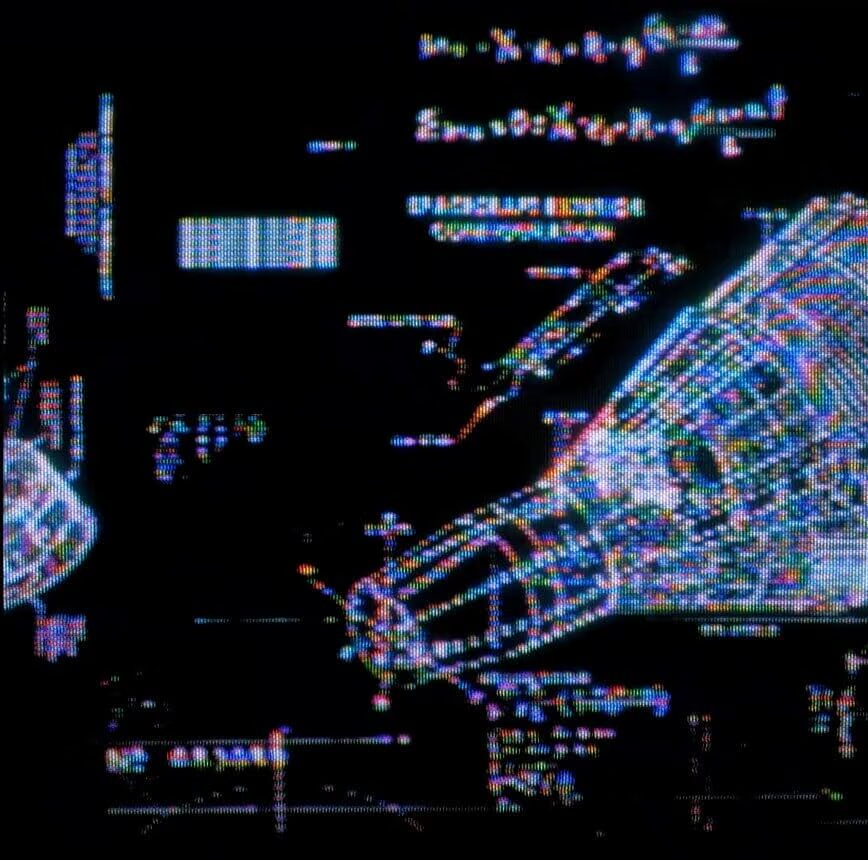
200+ unique glitches, particles, elements, and textures meticulously scanned on real CRT tech.

Featured in projects for Justin Bieber, New Balance, Under Armor, HypeBeast, Wiz Khalifa, and many more. Create stunning looks for music videos, title sequences, and more in just a couple of clicks.
Each one of these hand-crafted elements has been meticulously scanned and processed through real analog CRT tech - giving it that authentic retro texture that simply can't be mimicked with plugins or effects. Elevated by individually scanning, processing, shifting, and color-correcting them to be timeless and one-of-a-kind.
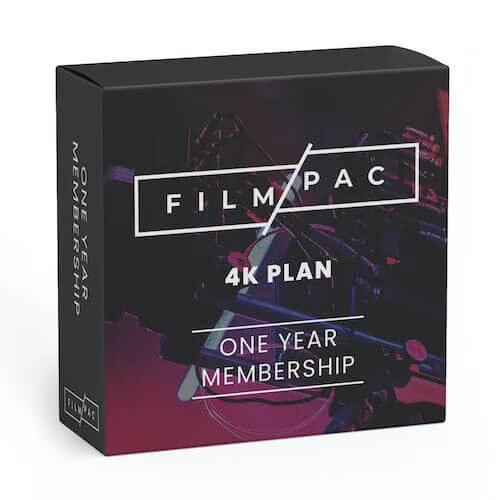
FILMPAC HD Stock Footage Pac 2022
$
99.00
Included in the bundle!
FILMPAC HD Stock Footage Pac 2022
FILMPAC
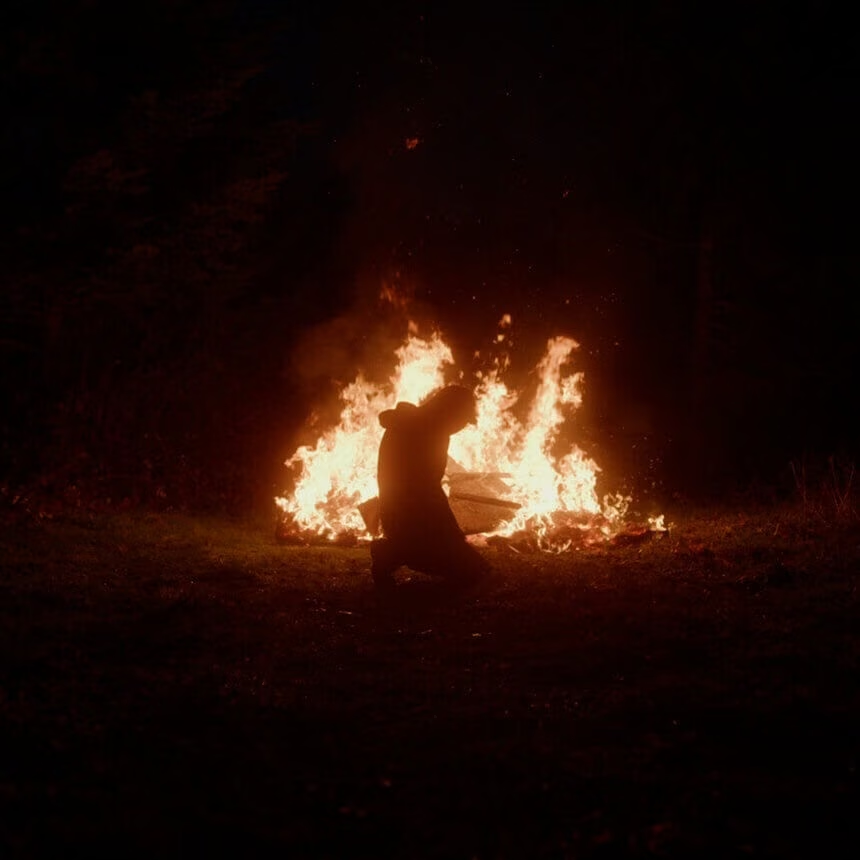
FILMPAC is an industry leading stock footage resource specializing in scene-based stock footage. You get to choose from any $99 HD Standard License Product. Not valid for membership purchases.
FILMPAC is an industry leading stock footage resource specializing in scene-based stock footage. You get to choose from any $99 HD Standard License a-la-cart Product. Not valid for membership purchases.
First and foremost, FILMPAC was created for the love of filmmaking, and for capturing spontaneous moments in an environment that is raw, genuine, and real to ultimately help our customers tell their story more clearly. It was also created in response to a number of personal pain points for many creative professionals. We provide quality stock footage for a price that is within budget, themed packages of clips to help streamline your process, and it’s all shot on industry-grade cameras by world-class cinematographers.
Whether you need stock footage for lyric videos, promotional videos, commercials, trailers, educational resources, non-profits, etc., FILMPAC has you covered.